Since January 1, 2026, California’s AB 723 has required agents to say so when a listing photo has been digitally altered, and to link to the unaltered original. The tool above adds both in one step: a clear “Digitally altered” label, plus an optional line and QR code pointing to the original.
In this guide
What AB 723 requires
AB 723 added section 10140.8 to California’s Business and Professions Code. It applies to real estate agents and brokers, and to anyone acting for them, like a photographer or a marketing assistant, whenever a digitally altered image appears in an ad or other promotional material for selling a property.
Include a statement that the image has been altered, on or right next to the image, where people will reasonably notice it.
Include a link, web address or QR code to a public page that shows, and clearly identifies, the unaltered original. The statement should say the original can be seen there.
On a site you control, include the unaltered photo in the same listing, or link to it and say that’s where it is.
Source: Business and Professions Code §10140.8 ↗, added by AB 723 (2025), in effect since January 1, 2026.
Does your photo need a label?
The law is about edits that change what the property looks like. Everyday photo corrections don’t count.
| Edit | Examples | What to do |
|---|---|---|
| Needs a label | Virtual staging; adding, removing or changing furniture, fixtures or appliances; new flooring, walls or paint colour; changes to landscaping, hardscape or the facade; removing power lines, poles or neighbouring buildings; a different view | Label it and link to the original. |
| Grey area | Sky replacement, day-to-dusk (virtual twilight), window glow, greener grass | Label it to be safe. The law excludes lighting adjustments, but these can change how the property looks, and many MLSs treat them as altered. |
| No label needed under AB 723 | Lighting, exposure, white balance, colour correction, sharpening, straightening, cropping and camera angle, as long as the property looks the same | Keep the original anyway. |
What the label should say
Keep it short and plain. Match the label to the edit, or use “Digitally altered”, which mirrors the law’s own wording and fits any edit. These are the wordings MLS guidance lists, and all of them are one click in the tool:
| The edit | Label |
|---|---|
| Furniture or decor added | Virtually staged |
| Day-to-dusk or a new sky | Virtual twilight, or Digitally altered |
| New finishes, paint or layout shown | Virtually renovated |
| A home that isn’t built yet | Digital rendering |
| Anything else, or a mix | Digitally altered (or Digitally enhanced, if your MLS allows it) |
Then say where the original is, so one label covers both parts of the law:
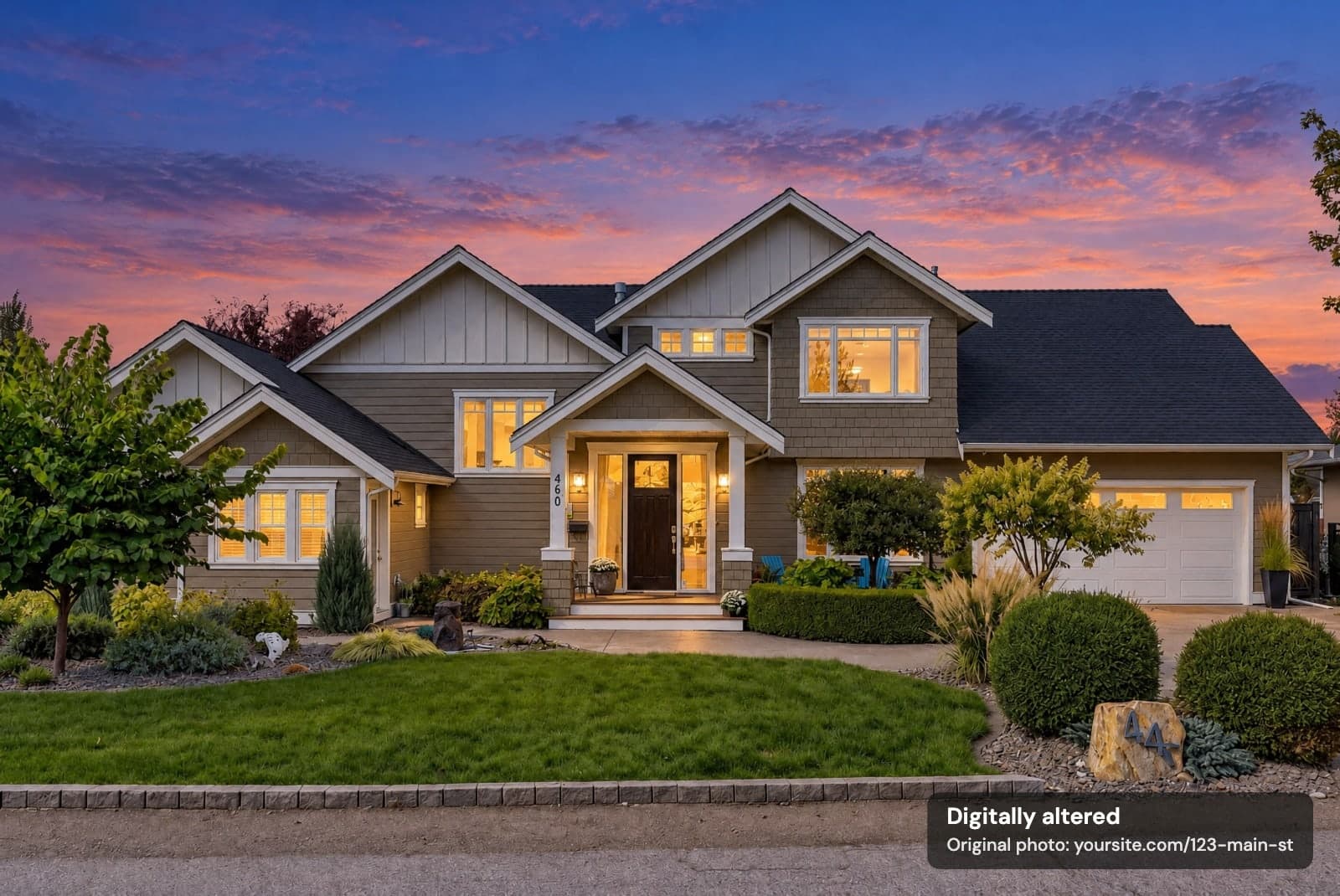
For flyers and brochures, add a QR code so readers can scan straight to the original:
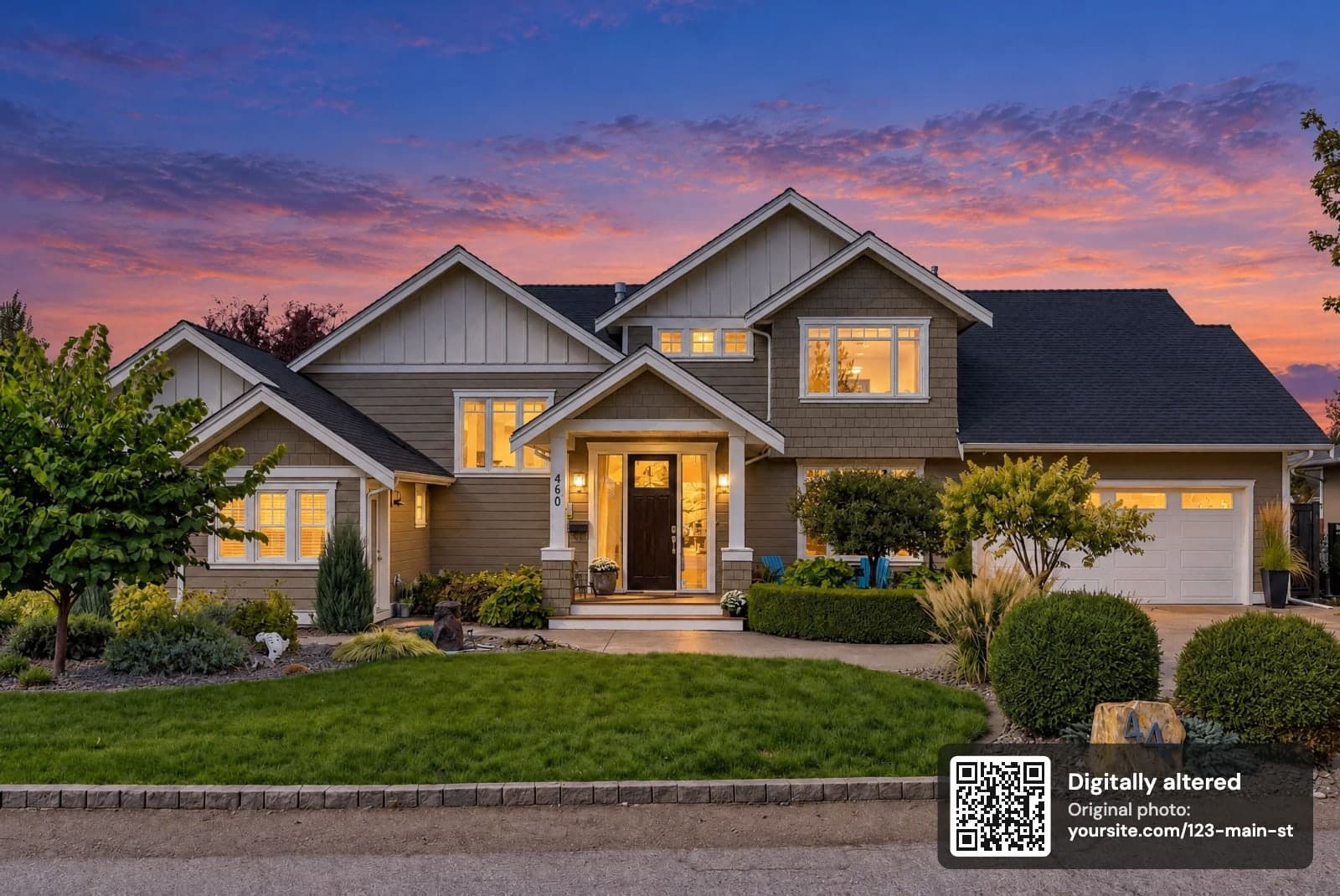
Where to put the original
- Your listing page or website. Post the original with the edited photo, or on a page of originals, and use that address in the label.
- The MLS. Several California MLSs want the original uploaded right before or after the edited photo, with a note in the photo description. See CRMLS ↗ and Bay East ↗ for examples, and check your own MLS.
- Another public page. Any public page works if it clearly shows which photo is the original.
- Print. Turn on the QR code so people can reach the original from a flyer.
How to use the tool
- Choose your photos. JPG, PNG or iPhone HEIC, up to 30 at a time.
- Check the label. “Digitally altered” is filled in; change it if your MLS prefers other wording.
- Add the link to the original. Turn on the QR code if the photos are going on a flyer.
- Pick a corner. Use the corner buttons, or click a corner of the photo.
- Download. One photo saves as a JPG; several save together as a ZIP.
Labelled photos are high-quality JPGs, up to 16 megapixels, which is plenty for flyers, websites and print. On the MLS itself, follow its photo rules: CRMLS, for one, wants the label in the photo description field rather than on the photo. Camera details such as GPS location aren’t copied into labelled photos.
Outside California
AB 723 is California law, but the idea is spreading. Other places set the same expectation in their own words:
Photos and videos that have been altered or enhanced should be labelled so buyers aren’t misled. It doesn’t set exact wording.
Read the guideline ↗Standard of Practice 12-10 prohibits manipulating listing images in ways that are deceptive or misleading.
Read the Code ↗Label digitally altered images in the photo description and show the original immediately before or after.
Read CRMLS guidance ↗Use a factual label such as “Digitally Altered Image” and display the unaltered photo right after it.
Read the rule ↗Relight Spaces changes the light, not the property. Customers can add a “Digitally altered” label to every download from My Images.
AB 723 photo label questions
Is this label tool really free?
Yes. There’s no sign-up, no trial and no Relight Spaces watermark. Label up to 30 photos at a time, as often as you like.
Are my photos uploaded anywhere?
No. Your browser opens, labels and saves the photos on your own device. Your photos aren’t sent to Relight Spaces or anyone else.
Does virtual twilight need an AB 723 label?
AB 723 excludes plain lighting and exposure adjustments. A day-to-dusk edit usually goes further, replacing the sky and adding window glow, which changes how the property looks. Labelling it is the safe choice, and many MLSs and photographers treat it as digitally altered.
Is “Digitally enhanced” enough?
The law asks for a statement that the image has been altered, so “Digitally altered” matches it most closely. Some MLS guidance also lists “Digitally enhanced”. Whichever you use, say where the original can be seen.
Do I need a QR code?
No. The law accepts a link, a web address or a QR code. A written web address works everywhere; a QR code is most useful on flyers, brochures and other print.
Does AB 723 apply to photographers and editors?
It covers agents, brokers and anyone acting on their behalf. If you edit photos for an agent, label the altered ones or tell the agent exactly what changed, and keep the originals.
Does AB 723 cover rentals?
The law’s wording covers advertising for the sale of real property. Rental sites and MLSs may still have their own rules, so check them before you publish.
What if the original isn’t online yet?
Post it before the altered photo goes live: on your listing page, in the MLS next to the edited photo if your MLS allows it, or on another public page that clearly shows it’s the original. Then put that address in the label.
Sources
- California Business and Professions Code §10140.8 (AB 723)
- CRMLS: Digitally altered image guidance and FAQs
- Bay East: Digitally altered MLS photo rule
- SDMLS: AB 723 requirements
- BCFSA: Artificial intelligence guideline
- NAR: 2026 Code of Ethics and Standards of Practice
Reviewed October 2, 2026 by Relight Spaces editorial. See our editorial standards.