Check the photo before you upload it, then check the result before you deliver it. The first check catches things like blur and missing detail. The second catches editing mistakes. Use the list below on screen, or print it.
In this guide
28 checks. Two gates. One delivery decision.
Go down the list. Liking how a photo looks doesn't let it skip a failed check on the property.
Choose a source worth relighting
Prepare the file once
Inspect the finished image
Approve the handoff
28 checks remaining.
A good virtual twilight starts as a good property photograph
A photo you can edit isn't necessarily one worth editing. It should already have a clear subject, straight lines, deliberate framing, believable colour and enough detail to compare once the light changes. An evening look can change the mood. Don't ask it to rescue a soft photo or cover up a real problem with the house.
The important edges are sharp, the view is useful, the framing is honest, and there's still detail in the front of the house, the windows, the garden and the sky.
Blown highlights, motion blur, leaning walls, blocked-up shadows, distracting reflections and a weak angle will all still be problems after the edit.
Keep the source beside the finished image
A result can look great and still have quietly changed the house. Put the two files side by side before you judge the mood. Start with the big things and work down: the shape of the building, decks, rooflines, paths and the view first, then balcony railings, window panes, branches, garden furniture and surface texture.
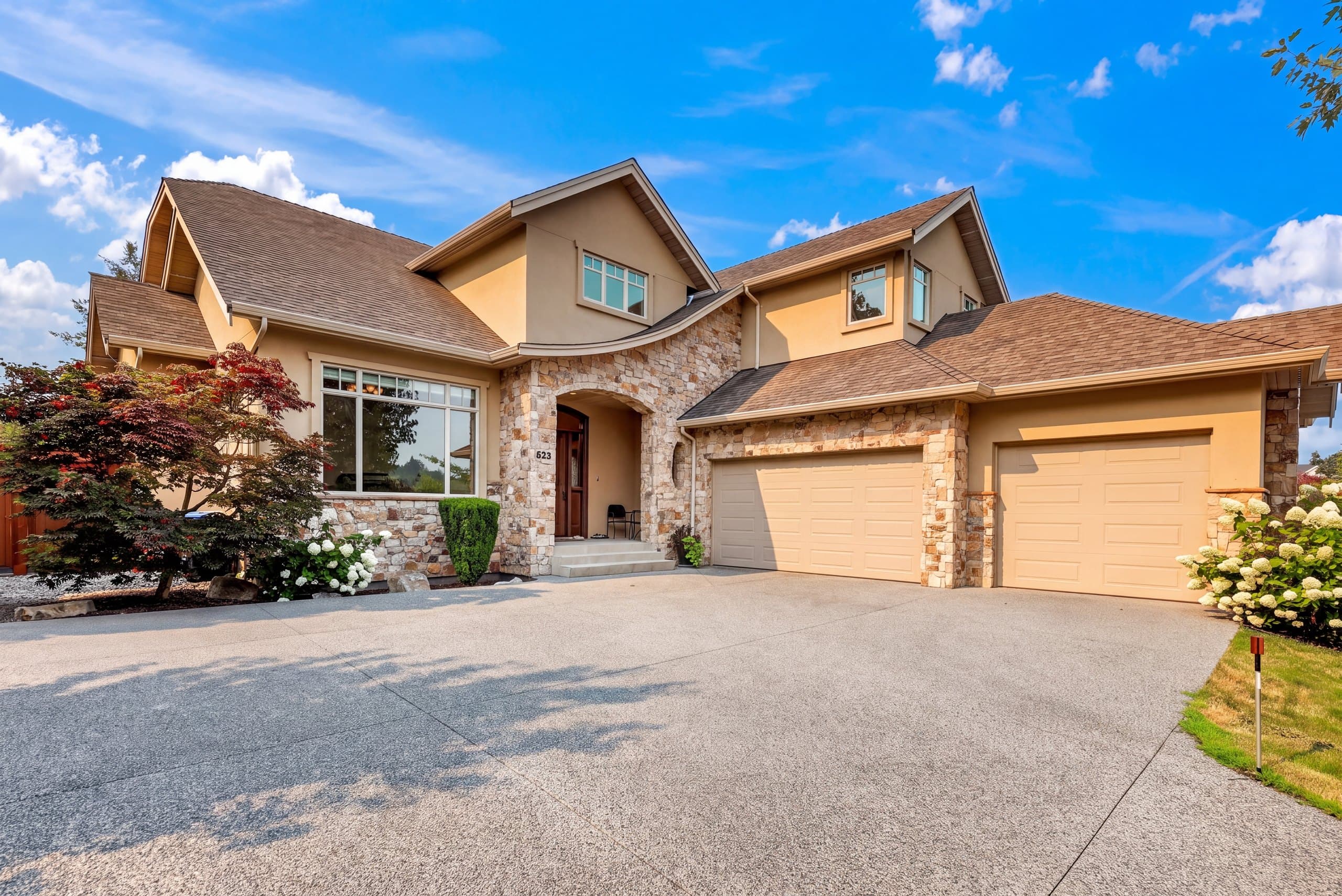
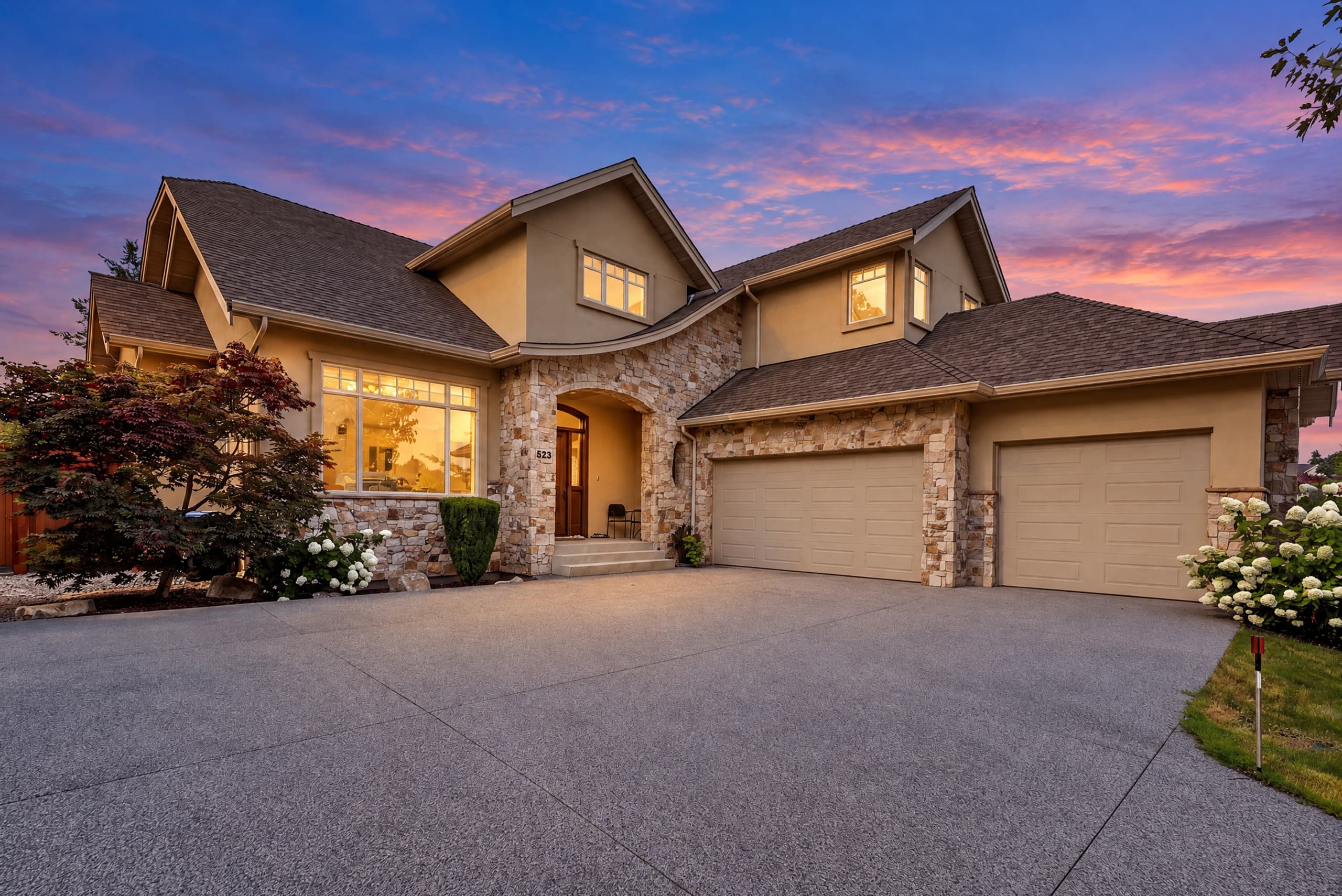
This pair was made in the live Relight Spaces Studio. The evening light changes. The rooflines, stonework, windows, garage doors, garden, driveway and permanent outdoor fixtures all have to stay the same.
First look small. Then inspect the parts thumbnails hide.
At listing size, ask two things. Is the house still the subject, and does the photo fit with the rest of the gallery? At 100%, follow the same route every time so a dramatic sky can't distract you: the sky edge, roofline, windows, railings and stairs, trees and garden, ground and water, reflections, and then the lights.
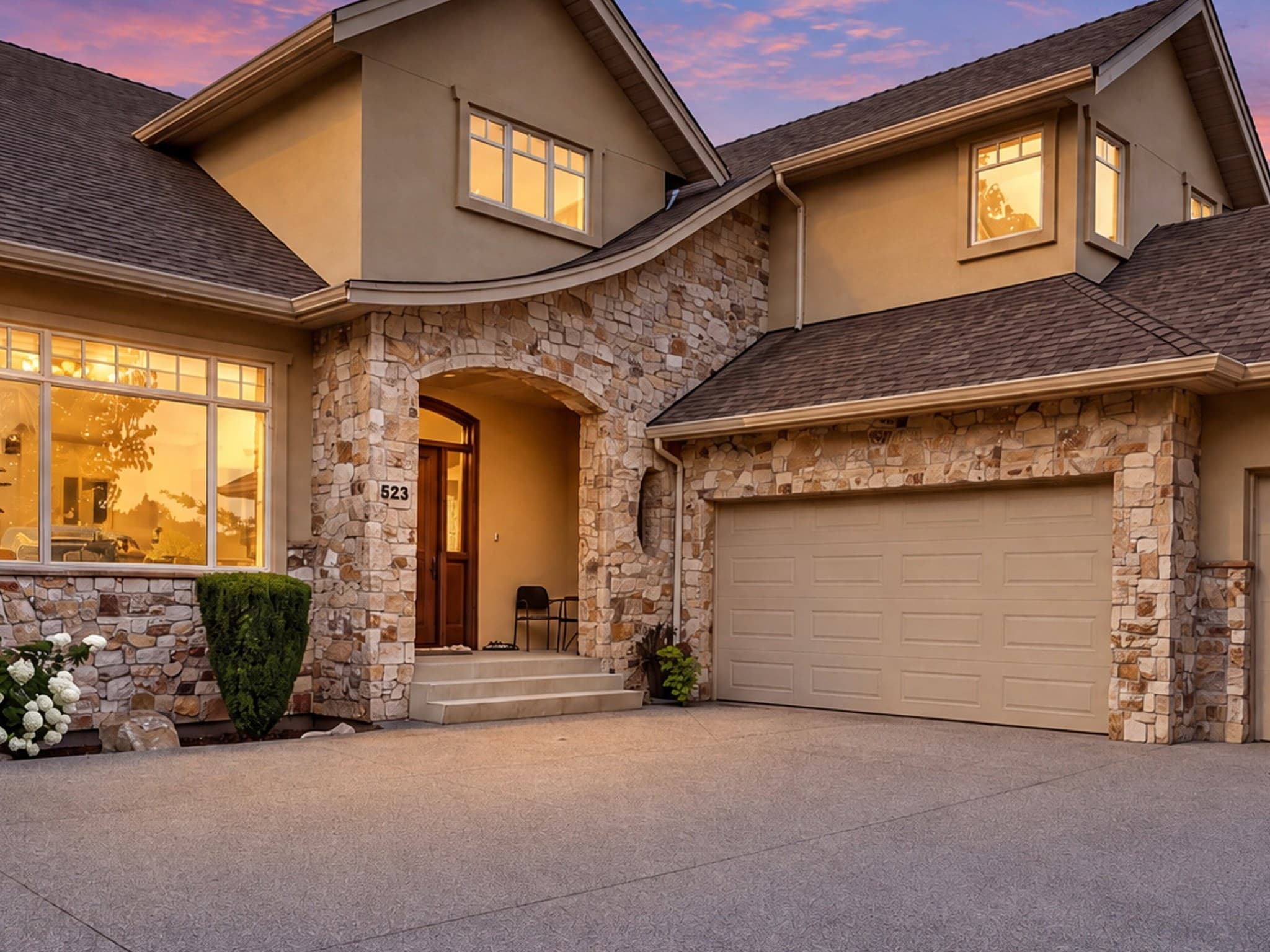
- Sky masks and halos
- Roof and chimney edges
- Windows and reflections
- Rails, stairs, and doors
- Trees and fine foliage
- Water and repeating textures
- Warm-light sources and falloff
- Output size and sharpness
Window-heavy interiors need two scenes to agree
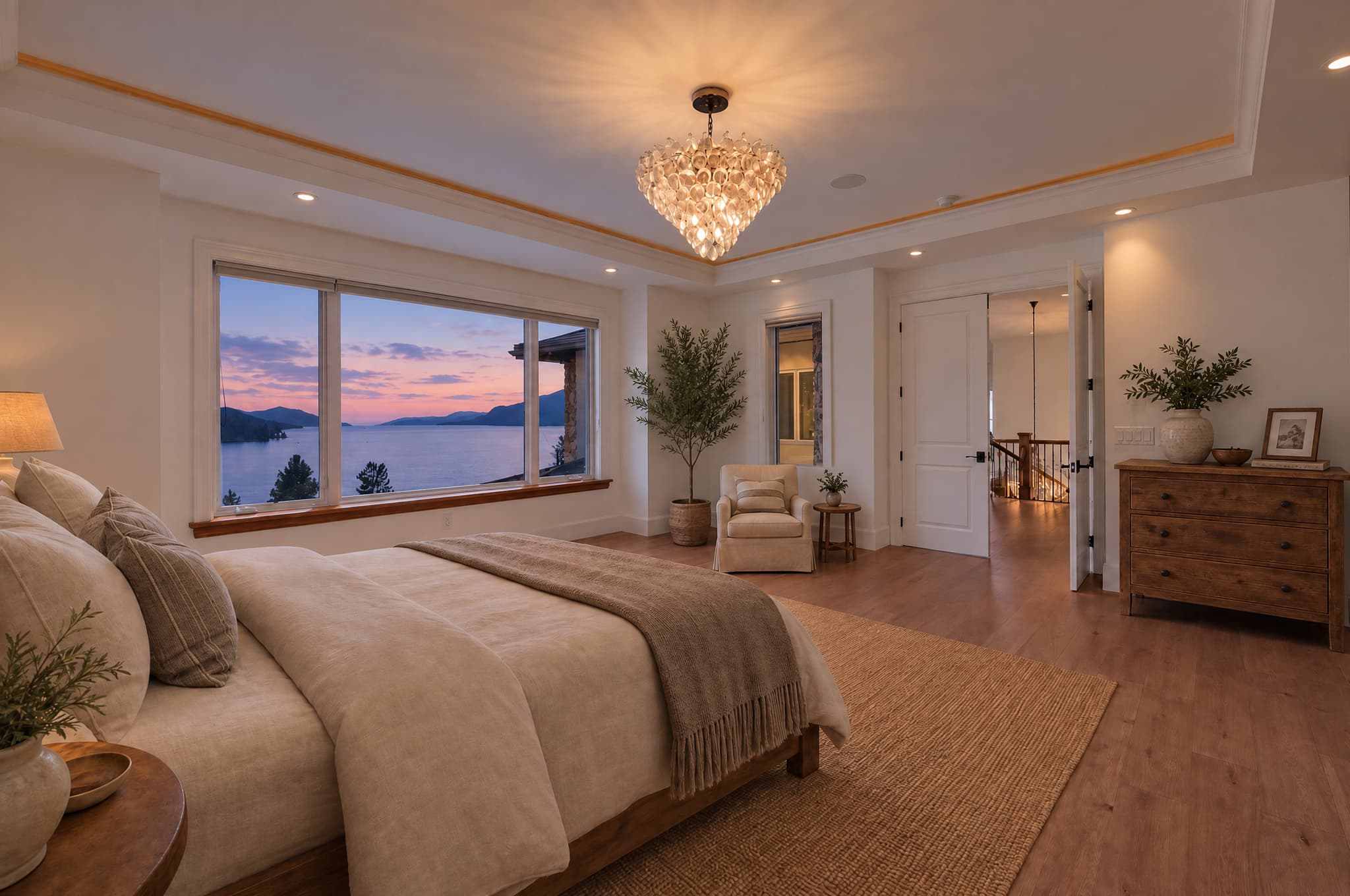
The view outside might say dusk, but the room still has to make sense. Look at the lamps and ceiling lights, the mix of light colours, the reflections, the edges of the furniture, the bedding, the artwork and every doorway into the next room. A beautiful view out the window doesn't count if the room no longer matches the original.
Keep it, correct it or try another photo
It works small and large, the light makes sense, the house matches the original, and the file suits where it's going.
Try a calmer style next to it when the result is too dark, too warm, too theatrical or doesn't fit with the rest of the gallery.
Send the original when you can't trust the architecture, condition, access, fixtures, garden or any other real detail.
Your first relight doesn't need an email. Add your email and you get two more free. No card needed.
Virtual twilight checklist FAQ
What makes a good source photo for virtual twilight?
Pick a sharp, well-composed photo with straight lines, sky and shadow detail you can still bring back, windows you can read and an honest view of the property. Relighting changes the mood. It won't save a weak photo.
Should I prepare the photo before uploading it?
Yes. Sort out the perspective, crop, dust spots, neutral colour and a light touch of noise reduction and sharpening first. Keep a clean original, and avoid heavy sky replacement, crushed blacks, overcooked HDR and saving the JPG again and again.
Why inspect the result at 100%?
A listing thumbnail hides halos, softened railings, changed window panes, repeated plants and reflection mistakes. Comparing at full size with the original is how you find out whether the fine detail survived.
What is allowed to change in virtual twilight?
The light, the colour of the sky, the overall exposure, the colour temperature, the shadows and a gentle glow from real lights can all change. The architecture, materials, permanent fixtures, access, visible condition, furniture, garden layout and the actual view should all stay true to the original.
When should I reject a result?
Stop when a permanent feature changes, an important edge breaks down, the condition of the place is hidden, a reflection doesn't make sense, or you'd have to explain away something people can see. Use the original rather than forcing an edit that doesn't work.