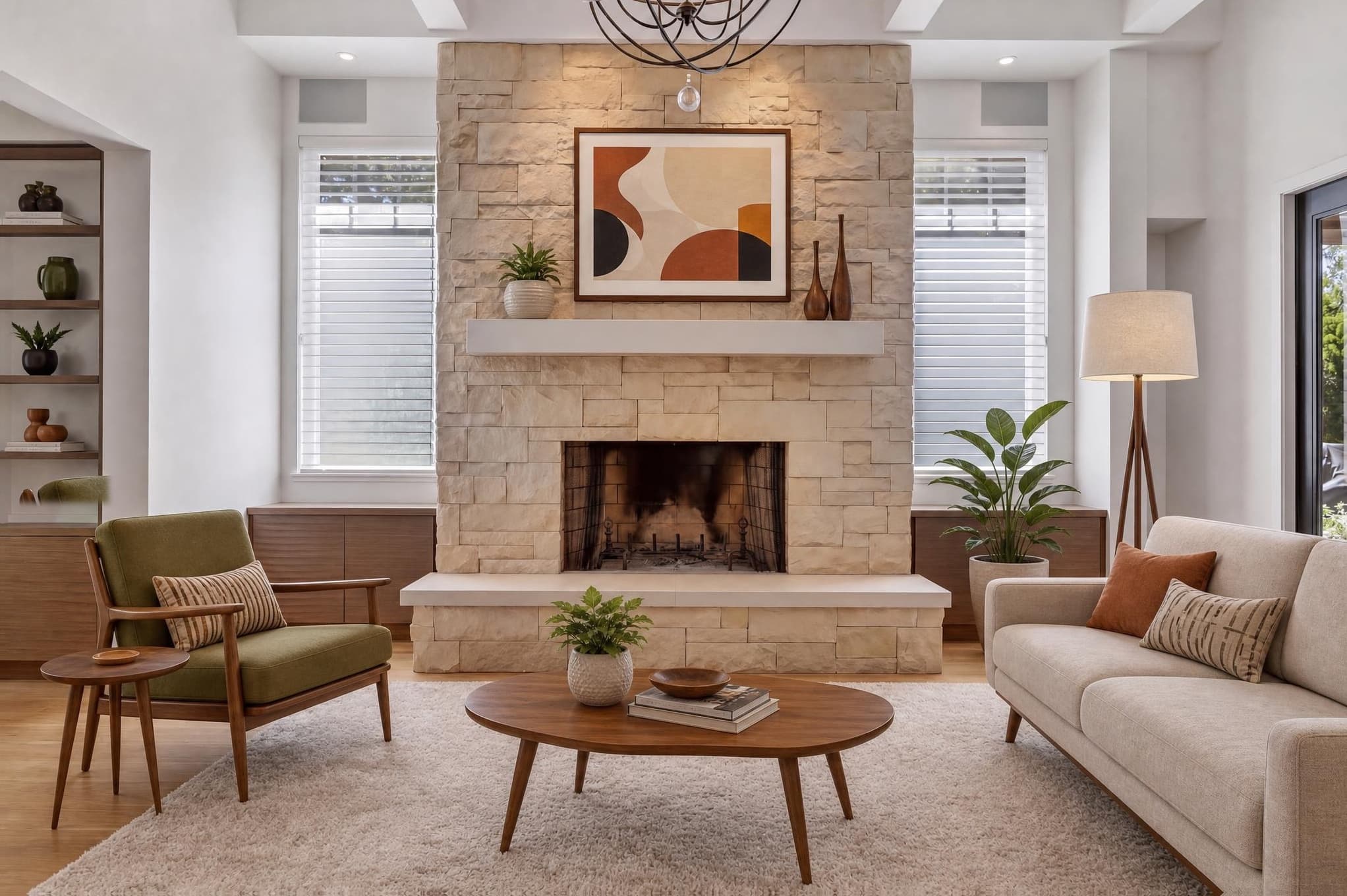
HDR combines shots taken at different brightness levels. Flambient combines flash shots with natural-light shots. AI relighting changes the light in a photo you already have. They solve different problems, and you can use more than one on the same job.
In this guide
The difference begins before editing
HDR and flambient happen at the shoot. You take several lined-up frames that get combined later. AI relighting usually starts with one photo that's already taken and prepared. That changes your time on the tripod, the number of files, the editing skill you need, how much control you have over revisions and how well it copes with a busy listing schedule.
| Criterion | HDR | Flambient | AI relighting |
|---|---|---|---|
| Source material | Bracketed ambient frames | Ambient plus flash frames | One prepared image |
| Capture time | Moderate | Highest | Lowest additional capture |
| Editing time | Moderate | High | Low first-pass time |
| Colour control | Depends on ambient light | Strong with skilled flash use | Direction-based, then reviewed |
| Window control | Good with sufficient brackets | Very strong with window pulls | Depends on source and model |
| Movement risk | Ghosting between frames | Misalignment and changing light | Structural or texture drift |
| Best fit | Efficient tonal coverage | Premium controlled interiors | Fast variants and scalable volume |
HDR is a dynamic-range workflow, not a finished look
HDR means taking several exposures from the same locked camera position. A darker frame holds the bright windows and lights. A middle frame carries the room. Brighter frames keep the shadow detail. Software lines them up and merges them, and you still have to fix the perspective, colour, local contrast, noise and any glitches afterwards.
The upside is good tonal coverage without having to think about where to put a flash. The downside is that every frame picks up the room's existing colour casts. Moving curtains, trees, water, people, pets or clouds can cause ghosting too. Push the merge too hard and the windows glow unnaturally, the shadows go flat, or you get halos around furniture and frames.
A tripod, locked focus and white balance, and usually three to five useful brackets.
Merge for the range, then bring back believable contrast and neutral colour.
Ghosting, halos, muddy windows, grey whites and a “crunchy” look from too much local contrast.
Covering rooms fast when the natural light is fairly clean and steady.
Flambient trades field time for local control
Flambient combines one or more natural-light exposures with flash frames from the same spot. The natural-light frame keeps the real direction of the shadows and the atmosphere. The flash frames can clean up colour casts, show materials properly, control reflections and hold a clean view out the window. You then mask the useful parts of each frame together.
I used HDR for a long time. Then I spent most of a day trying to remove an orange cast from interior walls. Flash took longer to learn, but once I got the capture right, neutral colour became much more predictable. I was happy to do a little more on site to avoid hours of colour repair later.
It's not just a matter of turning on a flash. Where you bounce it, how strong it is, the colour of the room's lights, anything reflective, how deep the room is and how bright the windows are all change how many frames you need. Bad flash placement gives you hard shadows, bright hot spots or a flat, commercial look. Done well it can be excellent, but rushed flambient can take longer than HDR and look no more natural.
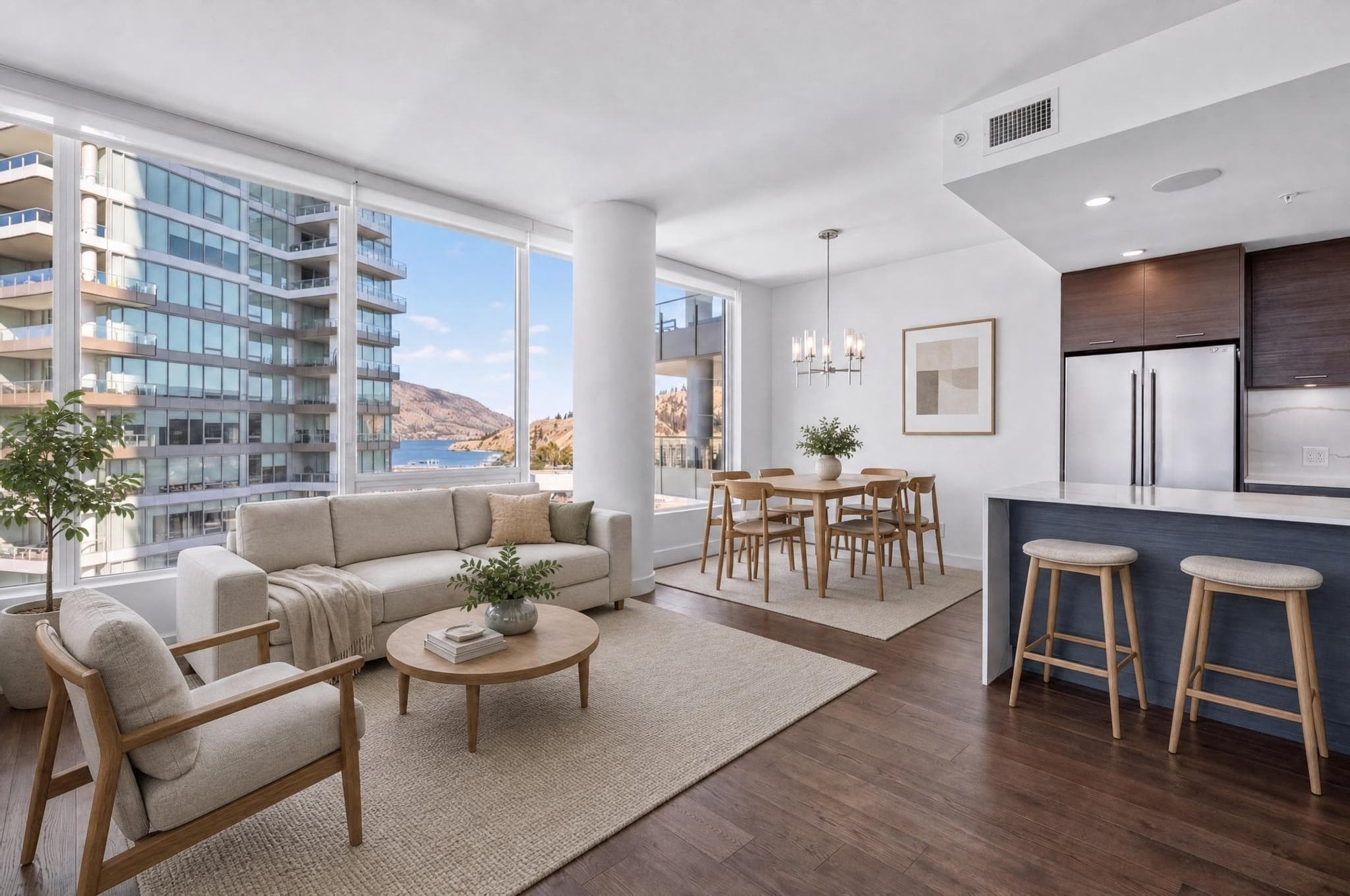
Where AI relighting fits
AI relighting starts with a finished photo and creates a new version of the light. It can cut out a lot of the repetitive masking, colour work and sky or atmosphere work, which is why it's appealing for quick marketing variations and bigger batches. The photo still needs clear architecture, a usable exposure, correct perspective and enough detail to check properly.
The trade-off is that you can't predict it exactly. Unlike a flash frame or a bracket, a generated result might reinterpret small textures, reflections, plants, fixtures or window detail. Your job shifts from building every mask to checking the result against the original. Relight Spaces gives you back the result, but it still needs a look at thumbnail size and at 100% before it's delivered.
Use a typical photo with windows, texture and fine architecture. Your first relight doesn't need an email, and adding your email gets you two more free. No card needed.
Allow for time on site
- HDR: a locked tripod, a still scene, sensible bracket spacing and enough protection for the highlights.
- Flambient: a natural-light base, clean flash frames, a window frame when you need it, and the camera never moving.
- AI: one technically sound photo with straight verticals, highlights you can recover and the property detail intact.
- Every method: keep the original files, name them consistently, back them up, use a colour reference where it helps, and check before delivering.
Adobe's Lightroom Classic documentation describes HDR merging as combining several bracketed exposures into one high-dynamic-range image, and warns that movement between frames may need deghosting. The merge gives you more tonal range, but it doesn't decide how natural the room should look. That's still up to you.
Choose for this job
What matters most on this job?
Start with AI for clean, well-exposed photos. Always check at full size, and send the tricky ones for manual editing.
Time the shooting, transferring, editing, checking and fixing across a normal batch.
Use controlled flash, or careful repair by hand, where exact surfaces matter.
AI can give you a different kind of light without going back to the property.
Don't choose based on one perfect demo. Try a room with bright windows, a room with mixed light and a normal batch. Keep track of the total time, your own hands-on time, the rejects, the time spent fixing, the file sizes and whether the client approved. The fastest workflow is the one that gets the most approvals for the least total effort, not the one that shows you a preview first.
When to combine methods
A sensible setup might use HDR for most rooms, flambient for premium rooms full of windows, and AI relighting for the occasional evening version. Or it might use AI for a first pass and save masking by hand for the exceptions. What you want to avoid is an unrecorded mix of methods that changes room to room and that you can't repeat.
Full flambient usually gave me the stronger image, but the extra shooting and editing time did not suit every listing. For routine properties, I developed a faster bounced-flash approach that kept much of the benefit and brought my editing time to roughly half an hour.
On other jobs, five-frame brackets and automated tools helped bring several hours of editing down to under an hour. I still checked every finished gallery myself. Those are results from my own jobs, not a timing guarantee for either method.
- Pick your default. Choose one method for ordinary rooms.
- Decide the exceptions. Write down what sends a room to flambient, manual repair or a reshoot.
- Aim for one colour look. Keep the whites, windows and lamps consistent across the gallery.
- Check everything the same way. Geometry, fixtures, windows, reflections, texture, dimensions and the export.
- Keep the originals. Hang on to the source frames and note which method produced each delivered photo.
HDR, flambient, and AI relighting FAQ
Is flambient better than HDR?
Flambient usually gives you more direct control over colour, the view through the windows and reflective surfaces. HDR can be quicker to shoot and simpler when the natural light is already clean. Which is better depends on the room and on who's doing it.
Can AI relighting replace HDR or flambient?
It can replace a lot of the manual work on suitable photos, but not the checking. Difficult windows, mirrors, fine architecture or a client with specific colour needs may still call for shooting or fixing things by hand.
How many frames are used for HDR real estate photography?
Three to five brackets from a locked tripod position is a common place to start. How much contrast there is, your camera's dynamic range, anything moving and how bright the windows are will tell you whether you need fewer or more.
What photos are needed for flambient editing?
Usually at least one natural-light frame and one or more flash frames from exactly the same camera position. Window pulls, bouncing off the ceiling, dark rooms next door and big spaces can all need extra frames.
Which method is fastest for a large listing?
AI relighting usually takes the least of your own time when you've got clean photos to queue up. HDR can be efficient if you're disciplined about bracketing and merging. Flambient normally takes the most time to shoot and edit.
Can these workflows be combined?
Yes. Plenty of photographers use HDR for overall range, flash frames for colour or windows, and AI relighting for the odd marketing variation. A mix only helps if you can repeat it and it stays honest.