Before you start offering a twilight add-on, decide what's in it: how many photos, which style, when they arrive and what counts as a revision. Then price in your time for picking, editing and checking, not just the processing fee.
In this guide
Define exactly what the client is buying
Your client should know whether the add-on is one image or a set, which evening style they're getting, when it arrives and how many rounds of changes they get. Be clear whether asking for a different style counts as a revision or a new image. Call it virtual twilight or day-to-dusk editing, so nobody mistakes it for a twilight shoot on site.
Works best when the number of lead photos changes from listing to listing.
Spell out the number of images, the turnaround, the look and where revisions stop.
Only bundle it in if your base price still covers what it really costs you.
Choose the photos to edit
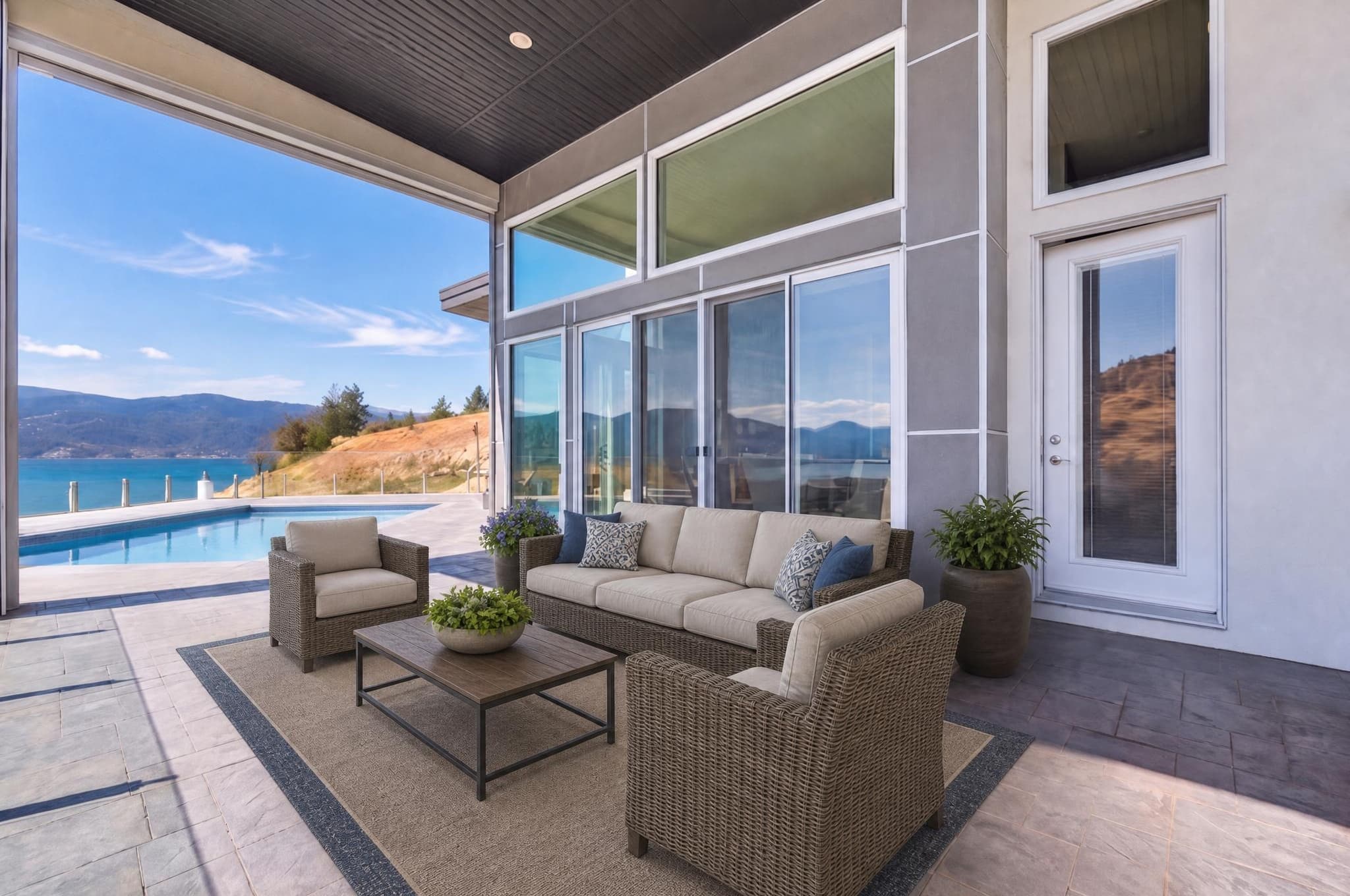
Start with a sharp, level photo with a clean line between the roof and the sky, a garden you can read, visible windows and detail in the highlights and shadows. Front exteriors, backyards, pools, patios and view sides are the usual picks. Skip anything with motion blur, a blown sky, heavy reflections, a house hidden behind something, or damage that would need fixing before it could ever look real.
Sometimes I send the client a shortlist of daylight photos and let them choose. Other times I pick the likely twilight compositions during the shoot, photograph them deliberately and deliver the virtual versions alongside the originals.
Both approaches avoid the same waste: spending time converting an exterior the client never intended to feature.
A repeatable editing workflow
- Confirm the brief: which frame, which evening style, when it's due and where it will be used.
- Keep the original: hold on to the source file and the client's filename.
- Prepare the file: fix the big geometry, exposure and clutter problems yourself. Don't leave them for the twilight step.
- Make the edit: run the agreed photo in the agreed style.
- Check it small: how does it look at first glance, and does it sit well with the rest of the gallery?
- Check it at 100%: rooflines, windows, reflections, garden, lights, the edge of the sky and anything permanent.
- Export and keep records: deliver the approved file and keep the original and your notes.
Relight Spaces gives you three free relights to start. Compare the original and the result at full size before you promise the service to a client.
Editing cost is only one line in the quote
Count the time for talking to the client, picking photos, uploading, checking, fixing, exporting, storage, software, payment fees and the occasional difficult image that swallows an hour. Current Relight Spaces packs work out to $0.40 to $0.75 USD per finished image. That's not your total cost, and on its own it shouldn't set your client price.
Then find out what photographers in your own market charge for it. The kind of properties, what clients expect, turnaround, your experience and the rest of your package all affect what people will pay. Try a clearly defined price with real clients, keep track of the time and revisions it actually costs you, and adjust from there, not from a national average someone quoted online.
| Model | Works well when | Watch closely |
|---|---|---|
| Per image | Quantity varies by listing | Minimum order and admin time |
| Fixed add-on | You deliver the same one to three images every time | Clients asking for extra styles |
| Included tier | Premium listings that follow the same workflow | The real cost hidden inside an underpriced package |
| Rush option | You can set aside real time to do the work | Promising a speed your checking can't keep up with |
Test the margin before you publish the add-on
Keep in mind this is a rough model. It shows your margin before your shooting time, review time, travel, tax, software, revisions and everything else it costs to run the business.
Agree on what counts as a revision
Send a proof big enough to judge, but clearly marked as a proof. Ask the client to check the direction of the light, the mood and the accuracy all in one go. Fixing a roof edge or a stray light is a revision. Switching from Soft Dusk to a completely different evening style is really a new version.
A missed glitch, some distortion nobody wanted, or something that doesn't match the approved brief.
A different style, photo, crop or creative look after they've approved it.
Keep the delivery easy to understand
Keep the original and the final linked with simple filenames, something like 123-main-street-front-source.jpg and 123-main-street-front-virtual-twilight.jpg. Tell the client which files are virtual and which original each one came from. Never describe a virtual image as a real twilight photo.
Photographer workflow and pricing FAQ
Should virtual twilight be priced per image or per package?
Either works. Per-image pricing is easy for clients to understand and protects your margin when the number of photos changes. A flat add-on is easier to sell, as long as you've spelled out how many images, how many revisions and how fast.
How many virtual twilight images should a listing receive?
One strong lead photo is often enough. Two or three make sense for a house with a great backyard, a pool, a view or a second side worth showing. More isn't automatically better.
Should photographers call it a twilight photograph?
Say exactly what it is. If it was made from a daylight photo, call it virtual twilight or day-to-dusk. Don't let anyone think you shot it at dusk on site.
How fast should virtual twilight be delivered?
Promise a turnaround you can hit every time, counting the upload, processing, a full-size check, any fixes, export and delivery. Leave some slack for outages and the odd difficult photo.
How many revisions should be included?
Offer one round of review, or a clear limit on corrections. Fixing something within the style you agreed on is a correction. Asking for a completely different style is new work.