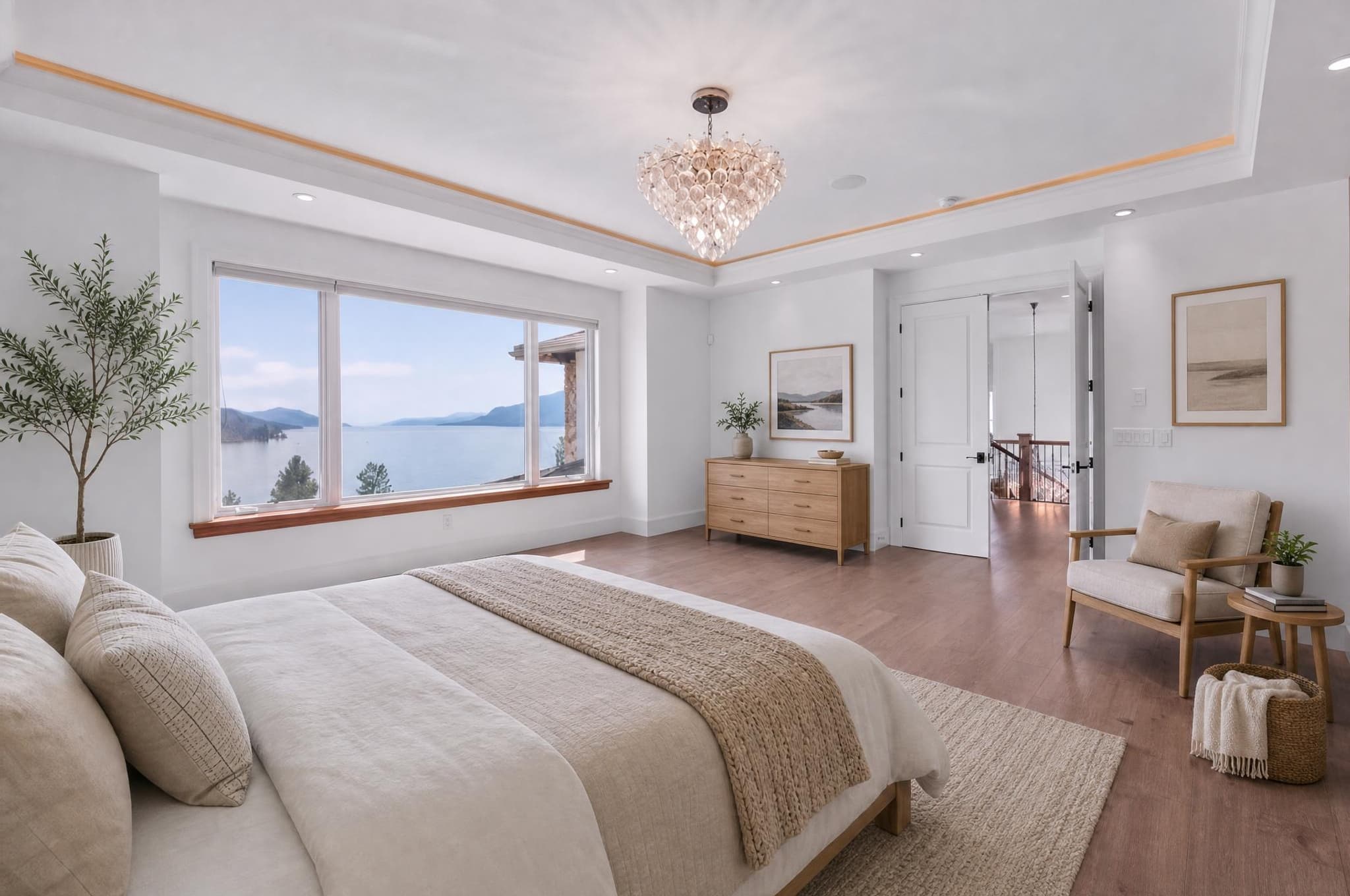
Two prices quoted “per image” can cover very different work. One might get you an automated result, the other an editor, detailed fixes and revisions. Compare what's included first, then add the time you spend checking and preparing the files.
In this guide
The same “per image” label can buy very different work
A price only means something once you know what you're getting. A software subscription gives you the tools. An automated service sends back a processed result. A human editor is selling time and judgement. A specialist service might include masking, design, rebuilding objects or set rounds of revisions.
Software subscription
A predictable monthly bill. Your time, learning, computer and quality checks aren't in it.
Per-image automation
Cheap and quick in batches. Every result still needs checking for accuracy before it goes out.
Human or specialty editor
More service and judgement. Compare the scope, turnaround and revisions, or the quotes aren't really comparable.
What are you actually asking the editor to do?
Simple work can be done across a whole gallery at once. Complex work happens photo by photo and is harder to predict. Ask whether the quote is for one fix, a finished listing photo or a whole gallery with a consistent look.
Exposure, colour, verticals, crop, lens correction and basic window balance.
Removing objects, replacing the sky, fixing the lawn, flash blending and detailed masking.
Virtual staging, virtual twilight, big cleanups and anything newly created that needs checking for accuracy.
| Edit | Main cost driver | Question to ask |
|---|---|---|
| HDR blending | Bracket count, alignment, windows and colour consistency | Does the fee include the finished colour grade? |
| Colour correction | Gallery volume, mixed light and batch consistency | Is masking of individual areas included, or only whole-image adjustments? |
| Item removal | Object size, background reconstruction and overlap | Where's the line between a simple removal and a complex one? |
| Sky replacement | Roof/tree edges, reflections and light matching | Does anyone check the house at full size? |
| Virtual staging | Room type, design direction, removal and revision rounds | Does the price include taking furniture out, or a full redesign? |
| Virtual twilight | Sky, shadows, windows, fixtures, reflections and accuracy | Is another lighting direction a revision or another image? |
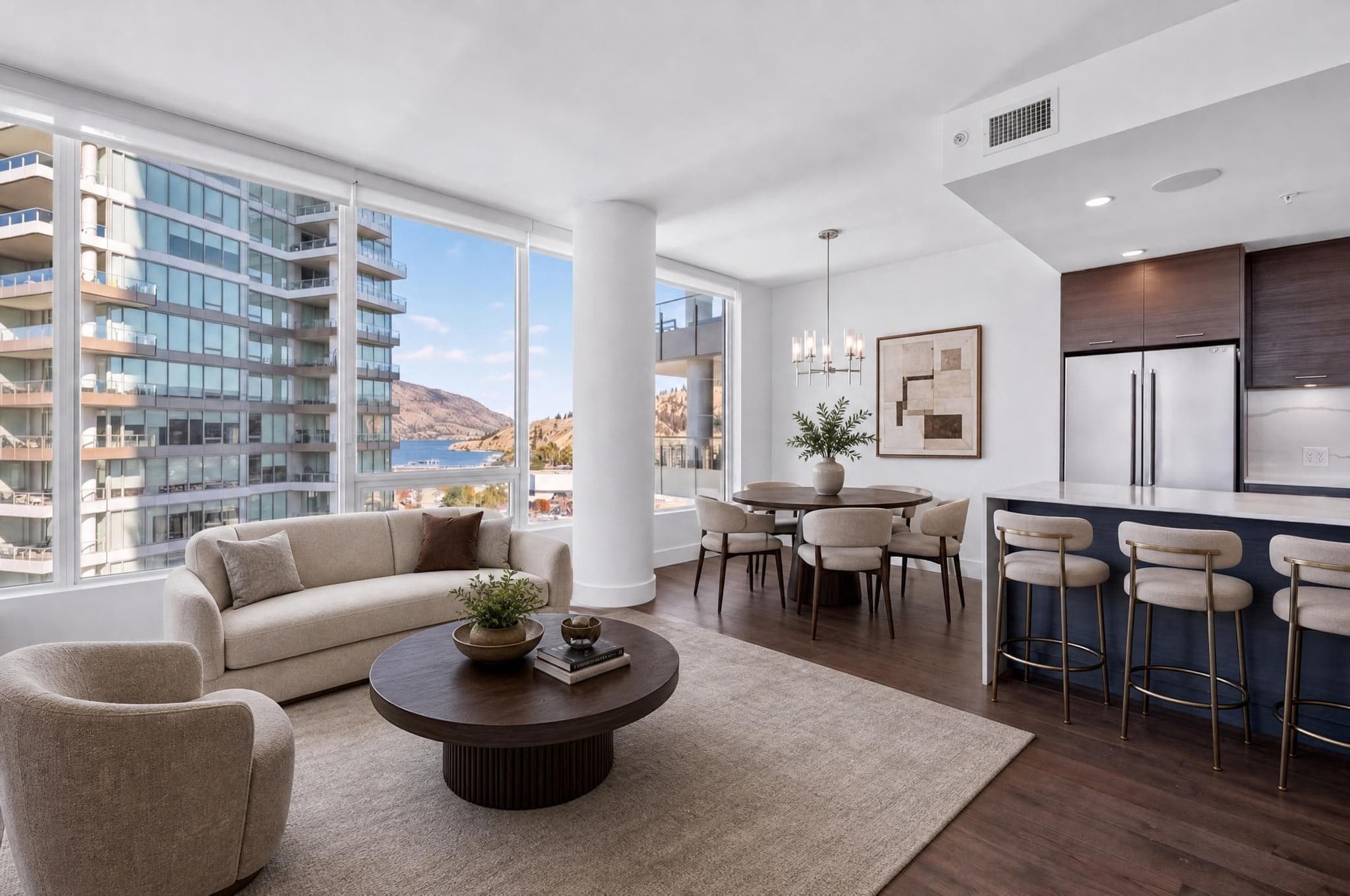
Dated market examples from August 27, 2026
These are snapshots from official US pricing pages, not industry averages. What's included, the type and size of property, location, volume, tax and promotions can all change what you actually pay. A commercial property, a big residential gallery and a single exterior may get very different quotes from a human editor, even when the provider advertises one starting price. Check the source again and ask for a quote on the exact job before you budget a real project.
Adobe listed its Photography plan at US$19.99/month on an annual plan paid monthly. Your time and your computer are on top of that. Current Adobe pricing
BoxBrownie listed commercial image enhancement at US$1.60/image. What's included and which market page you're on both matter. Current BoxBrownie page
The same BoxBrownie page listed item removal and virtual cleaning from US$4/image, going up with how complicated the job is.
HomeJab listed virtual dusk and virtual staging at US$25/photo, and its staging offer included stated revision terms. Current HomeJab pricing
Review and revision costs are where cheap work becomes expensive
Somebody does the work either way. With software, you do the whole edit. With automation, you prepare the files, check the results and sometimes run them again. With outsourcing, you still brief the editor and check the proofs. The cheapest option is the one that gets you to a file you can deliver with the least wasted time, which isn't always the smallest number on the price list.
- File prep: culling, RAW conversion, naming and uploading can take longer than the edit.
- Checking: windows, straight lines, permanent features, colour and whether the gallery hangs together.
- Revisions: find out whether a fix, a new style or a rejected result is included.
- Turnaround: a rush fee is only worth it if you still have time to check the work properly.
- Minimums and subscriptions: credits or allowance you don't use still cost you money.
- Delivery: downloading, export sizes, renaming, storage and client proofs all take time.
A true-cost calculator for one batch
Price the work around the edit
Plug in your own quote and what your time is worth. The presets are just examples, not market averages.
A quote-comparison checklist
- Same property type, edit scope and number of finished images
- Volume tiers, minimum order and location surcharges
- Delivered resolution and file format
- Normal and rush turnaround
- Included revision rounds and what qualifies
- Failed-result, refund or rejection policy
- Monthly commitment and unused-credit rollover
- Privacy, retention and use of uploaded originals
- Architecture and permanent-feature review
- Gallery consistency and colour matching
- Tax, currency, payment and cancellation terms
Try a small batch that looks like your real work before you commit to volume. Include a simple room, a room full of windows, an exterior and one difficult photo. Time how long you spend on it and how many results you reject, rather than trusting the provider's best example.
Current Relight Spaces pricing
Relight Spaces sells one-time credits, not a subscription. Current packs work out to $0.40 to $0.75 USD per completed image. Each lighting style is a separate result, and if a result can't be delivered, the credit comes back to you automatically.
| Route | Direct price | Still budget for |
|---|---|---|
| Relight Spaces | $0.40 to $0.75 per completed relight | Picking the photo, checking it for accuracy and any extra style you want |
| Manual software | Subscription or licence | Your editing time, learning, computer, storage and revisions |
| Human editor | Quoted per image, batch or service | Briefing, waiting, checking proofs and changes outside the agreed scope |
Make three free relights, time how long checking takes, and compare the downloads before you buy a pack.
Real estate photo editing cost FAQ
How much should basic real estate photo editing cost?
There isn't a reliable average. It depends on what you're asking for, how many photos, how fast, the kind of service, the file size, and how review and revisions work. Get a dated quote for the exact edit you need rather than trusting a national number.
Why does virtual staging cost more than colour correction?
Virtual staging adds whole pieces of furniture and decor, so it usually needs more masking, design decisions and checking. Colour correction mostly works with what the camera captured, so it's easier to batch and keep consistent.
Is a software subscription cheaper than outsourcing?
Only if you use it enough and count your own time. Add up the monthly fee, the time to learn it, the hours editing, your computer, storage and checking the results before you compare it with a per-image service.
Are revisions normally included?
It varies. Some services include one round of revisions, some charge for a new look or bigger changes, and self-service tools may count another result as a new image. Find out where the line is before you order.
What hidden costs should I budget for?
Picking photos, uploading, prepping files, back-and-forth with the editor, checking, fixes, downloads, renaming, storage, payment fees, subscriptions you don't use, rush delivery and the occasional reshoot can easily add up to more than the editing price itself.
How much does Relight Spaces cost per image?
Current one-time packs work out to $0.40 to $0.75 USD per completed relight, with no subscription. Prices are imported from the live application pricing constants so this guide updates with the product.