Interiors
Move soft window light across a room, add direction to flat illumination, or carry an interior toward evening.
AI photo relighting
Reshape light direction, shadows, sky, time of day, and atmosphere in an existing interior or exterior photo—without reshooting.
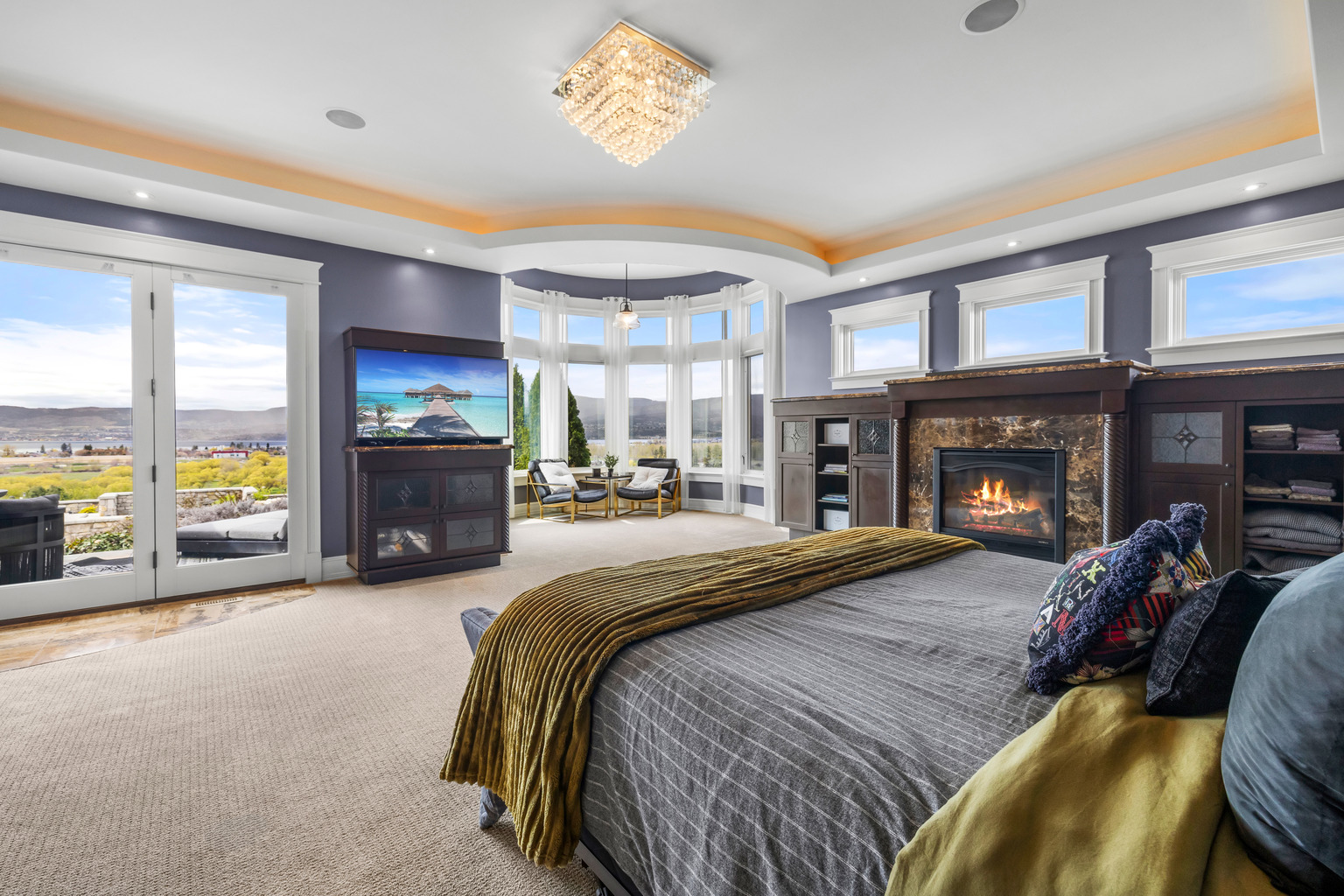
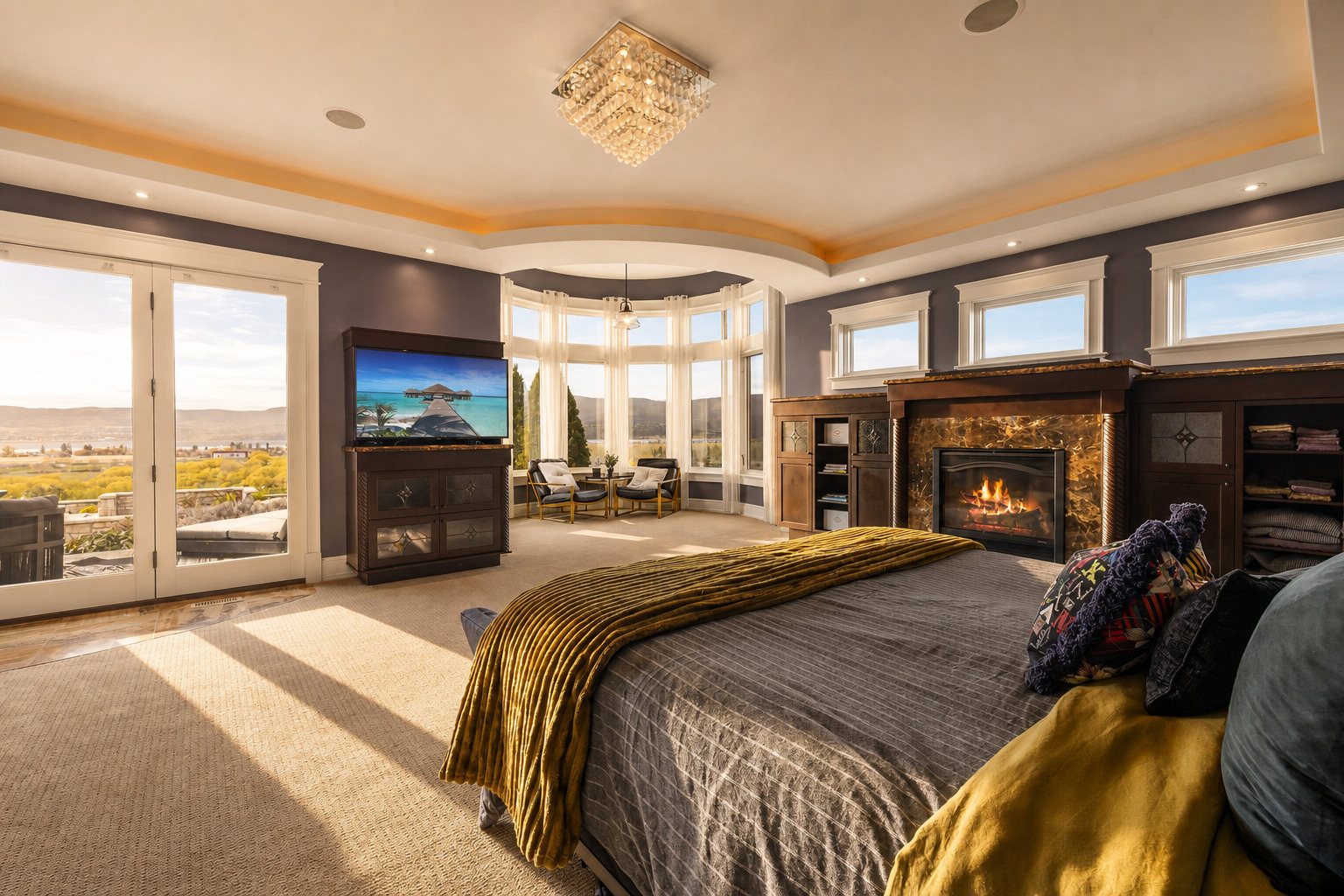
Warm directional light shaped around the photographed space.
What relighting changes
A filter shifts color across the whole frame. Relighting aims to reshape how light belongs in the scene: where it enters, which surfaces catch it, how shadows fall, and how the sky or time of day supports the mood.
Relight Spaces is designed to keep the photographed space recognizable. Because generative AI can make mistakes, always review a finished image before publishing it.
Made for photographed spaces
Move soft window light across a room, add direction to flat illumination, or carry an interior toward evening.
Turn gray or flat outdoor light into clearer daylight, golden hour, dusk, or a believable twilight atmosphere.
Create alternate lighting directions for architecture, hospitality, venues, rentals, and other photographed places.
Exact comparisons
Move toward the sun on desktop. Tap the photograph on a touch device.
Warm late-day direction, longer shadows, and a calmer interior atmosphere.
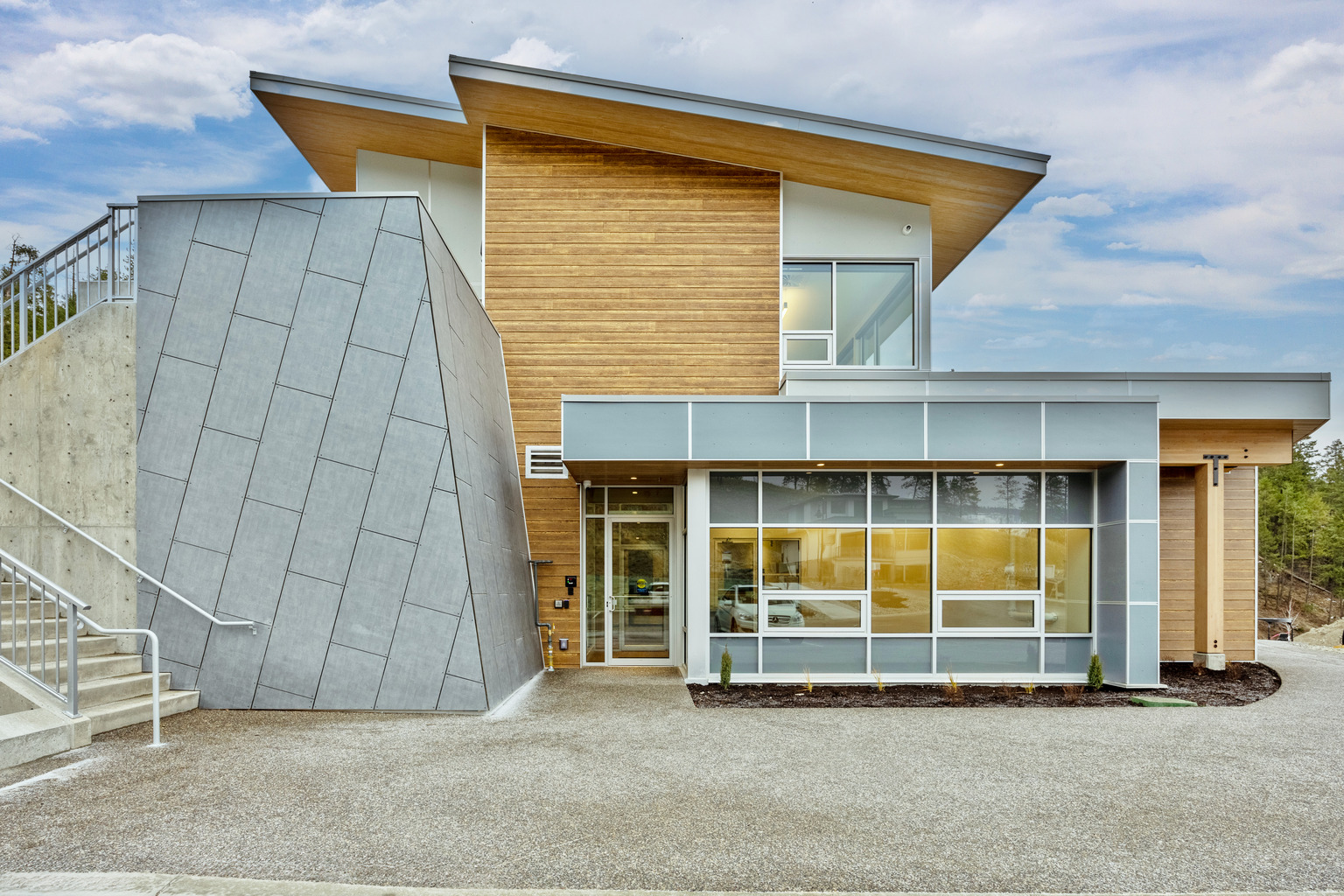
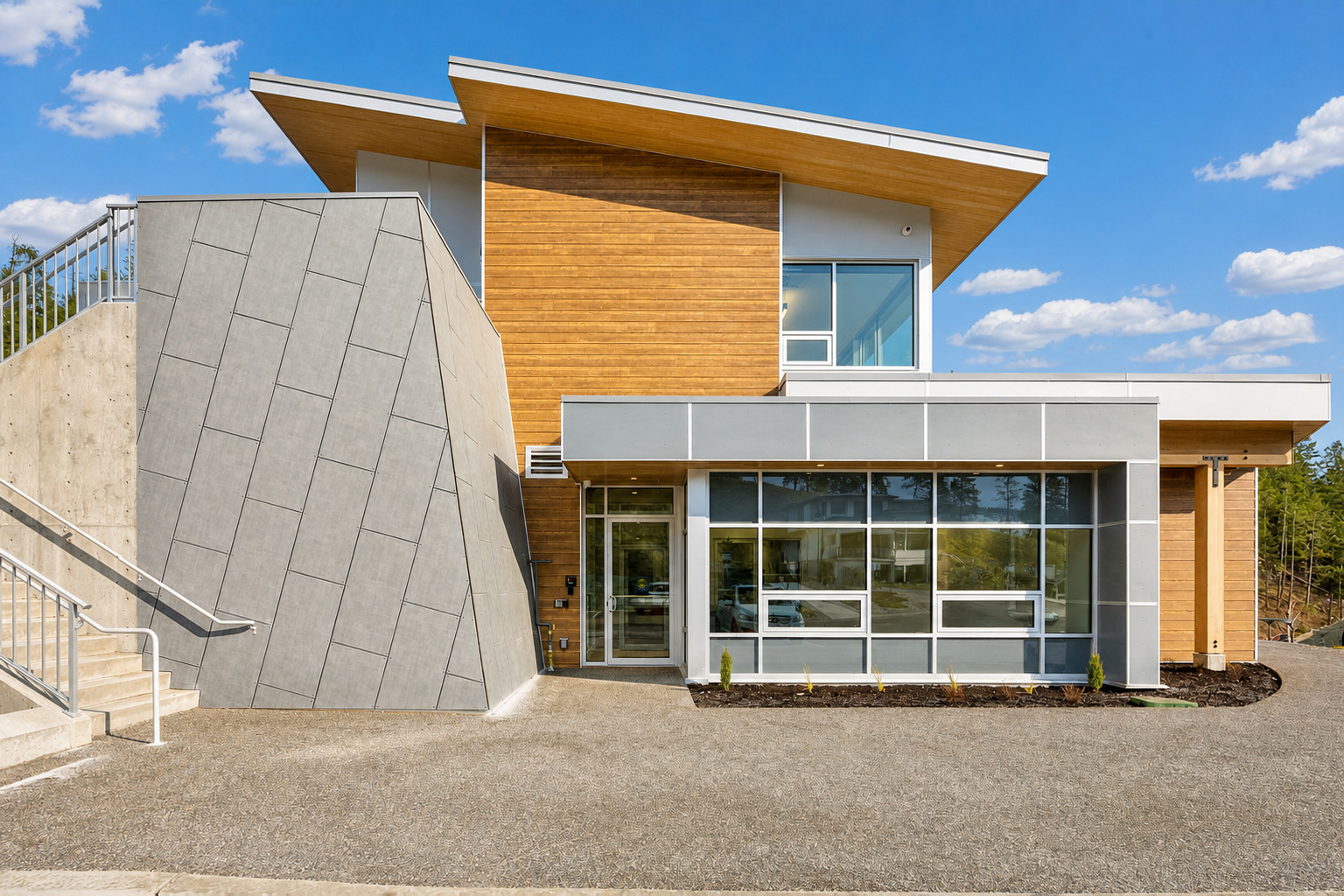
A gray exterior shifts into clearer daylight with grounded contrast and sky.

A daytime photograph becomes an evening alternative with warmer, lower light.
How it works
Add one photograph or a batch of up to 10.
Use one look for the set or mix and match by photo.
Inspect each result, then download the images you want.
One-time credits
One credit creates one result. No subscription.
20 images · 50¢ each
60 images · 40¢ each
150 images · 30¢ each
Failed or quality-rejected generations return the reserved credit automatically.
See credit packsCommon questions
AI photo relighting changes the apparent light in an existing photograph: its direction, shadows, color temperature, sky, time of day, and atmosphere. It is more than a flat filter because the intended result responds to the photographed scene.
Yes. Relight Spaces supports photographs of interiors, exteriors, architecture, hospitality spaces, venues, rentals, and other photographed places.
You can upload JPG, PNG, or HEIC images. Add one photograph or a batch of up to 10, then use one mood across the batch or mix moods between photos.
No. Relight Spaces focuses on lighting and atmosphere rather than adding furniture or redesigning a room. Generative AI can still make mistakes, so review every finished image before publishing or client delivery.
One credit creates one finished image. Credits are sold in one-time packs with no subscription, and a failed or quality-rejected generation returns its reserved credit automatically.
Your photograph already has another possibility
Bring your own image into the Studio and choose the atmosphere deliberately.
Open the Studio